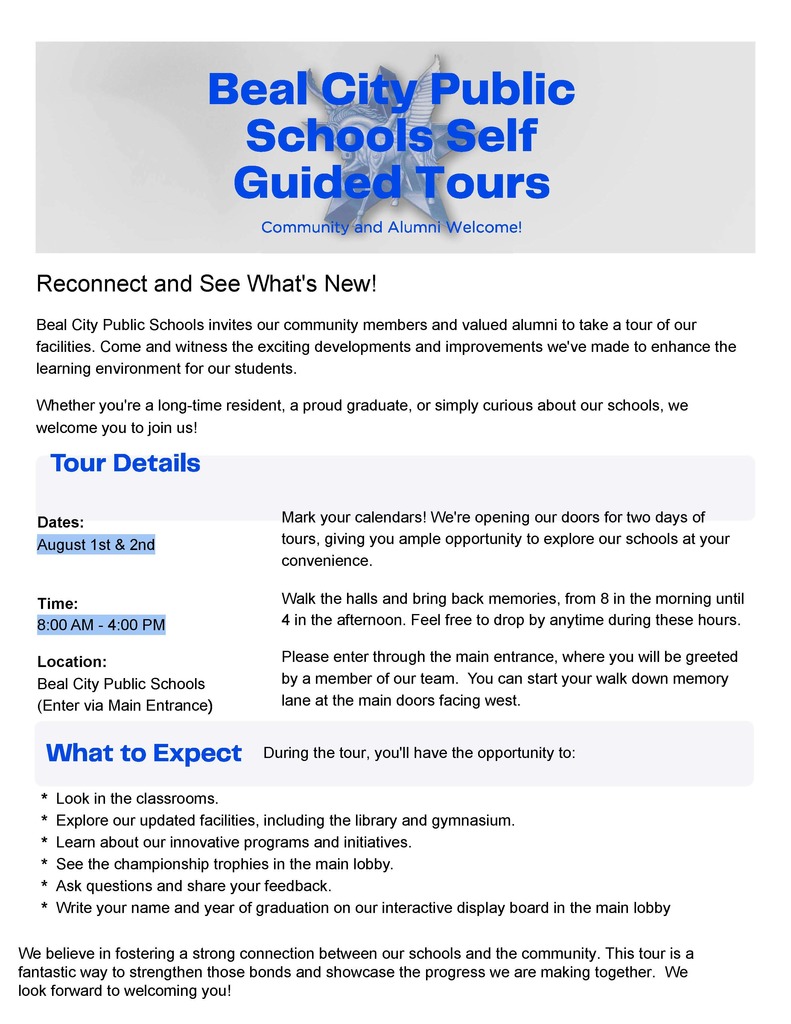
Beal City Public Schools Self Guided Tours
about 1 year ago, Beal City Public Schools
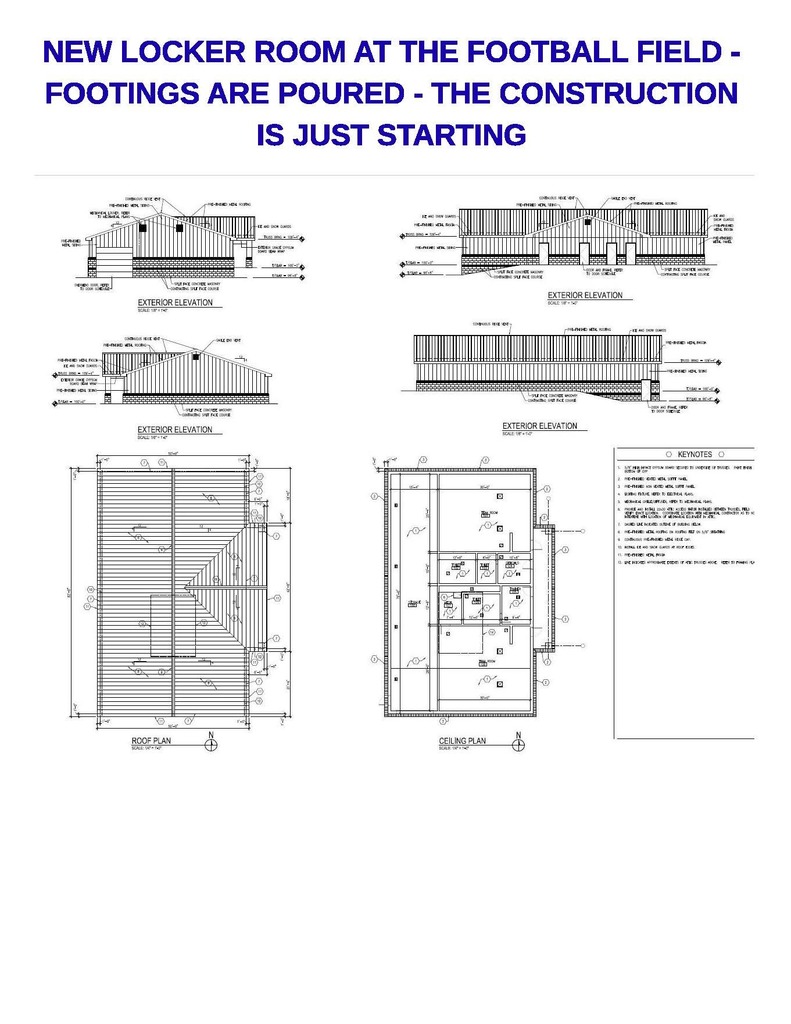
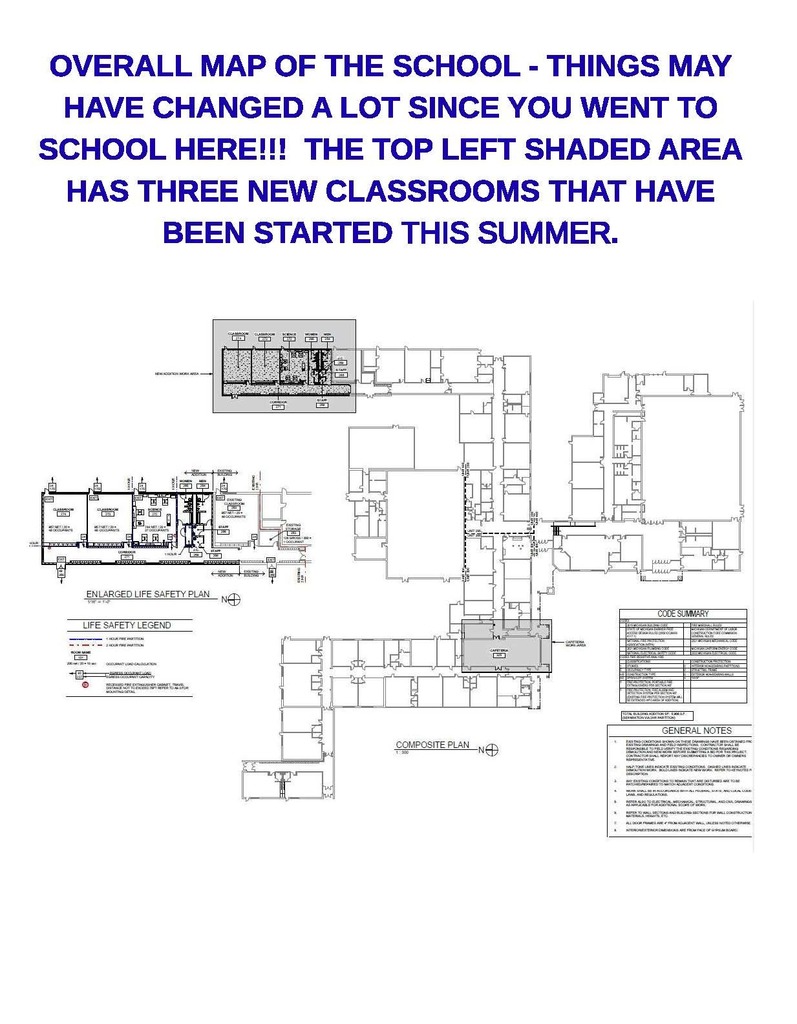
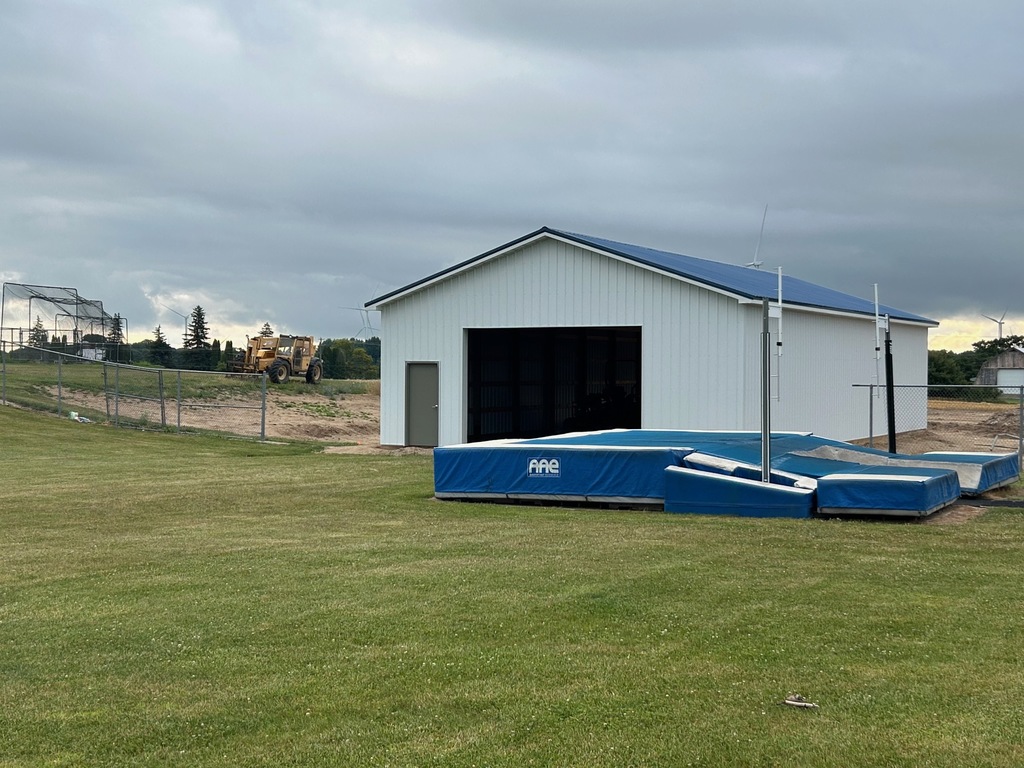
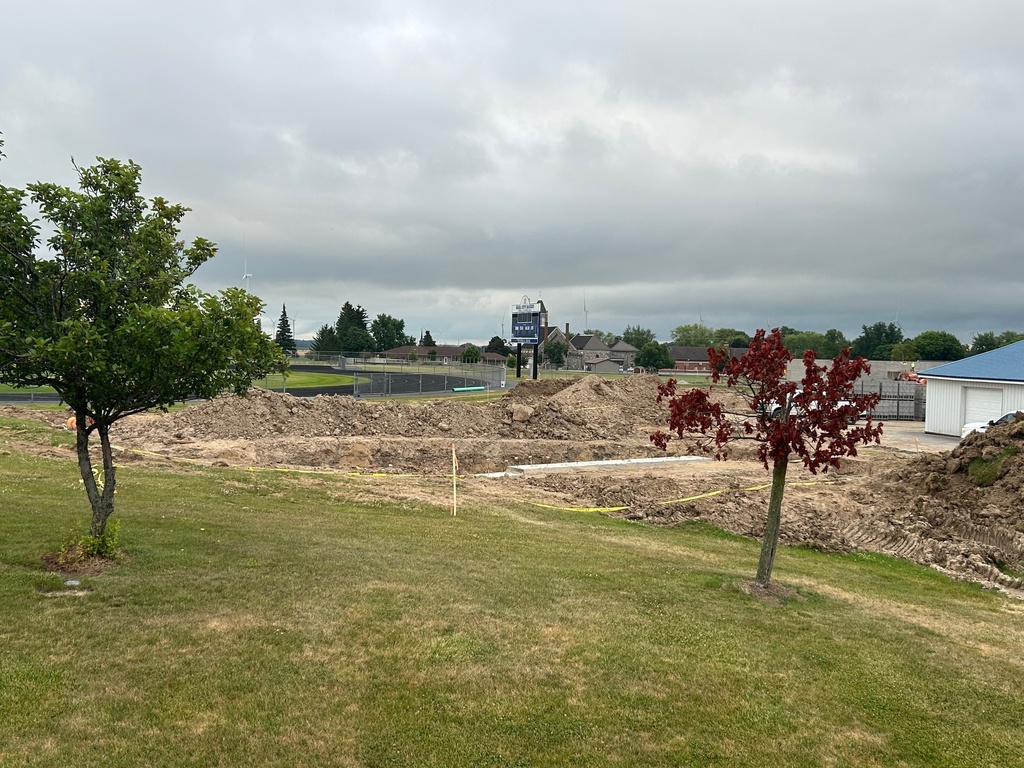
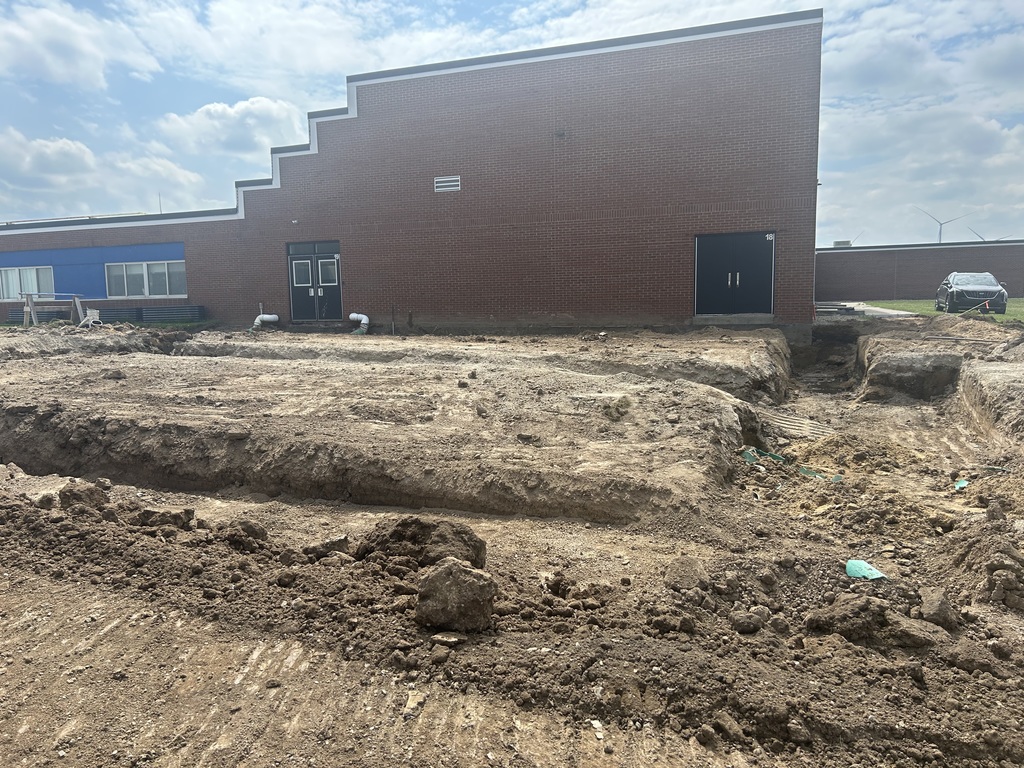
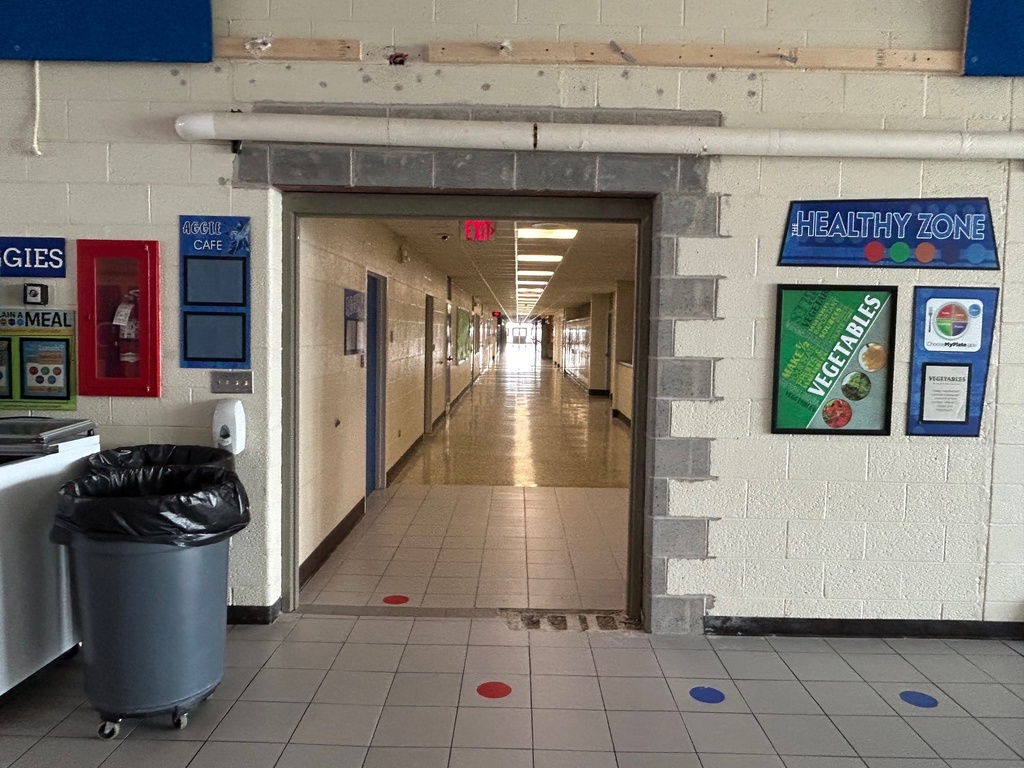
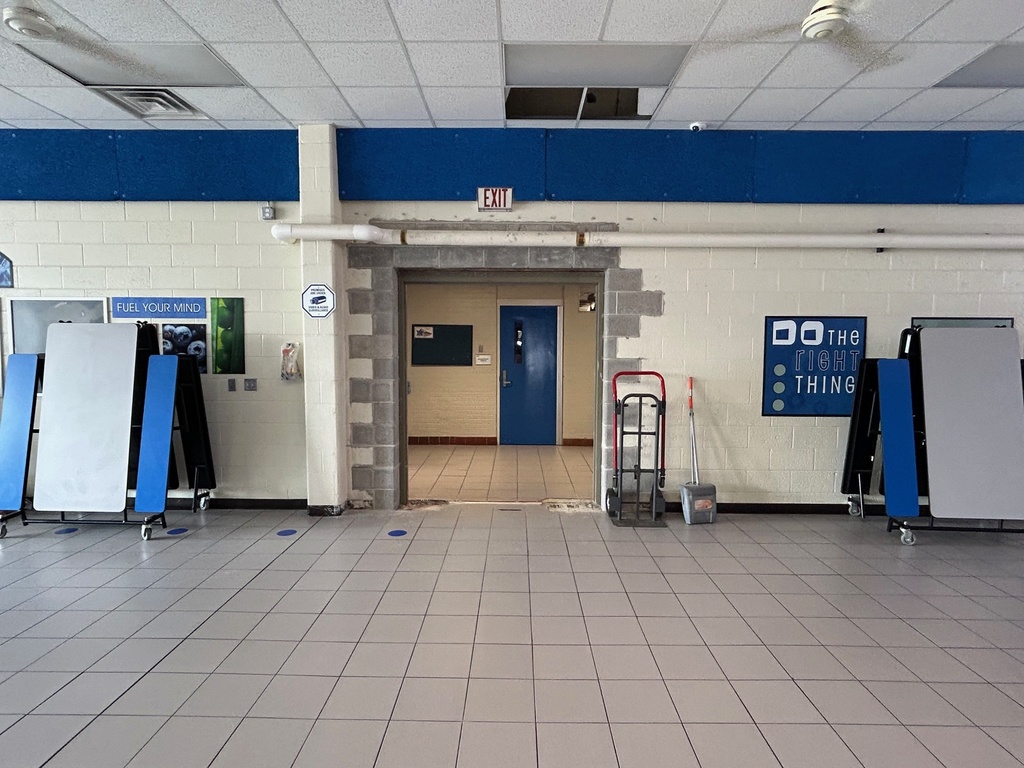
🚧 Construction Update at Beal City Public Schools! 🏗️
We’re making exciting progress on our construction projects and wanted to share a quick update with our amazing school community!
Thank you for your continued support and patience as we work to make Beal City an even better place to learn and grow. 💙📚
Stay tuned—more updates and photos coming soon!
#BealCityPride #BuildingOurFuture #ConstructionUpdate #GoAggies
over 1 year ago, Beal City Public Schools
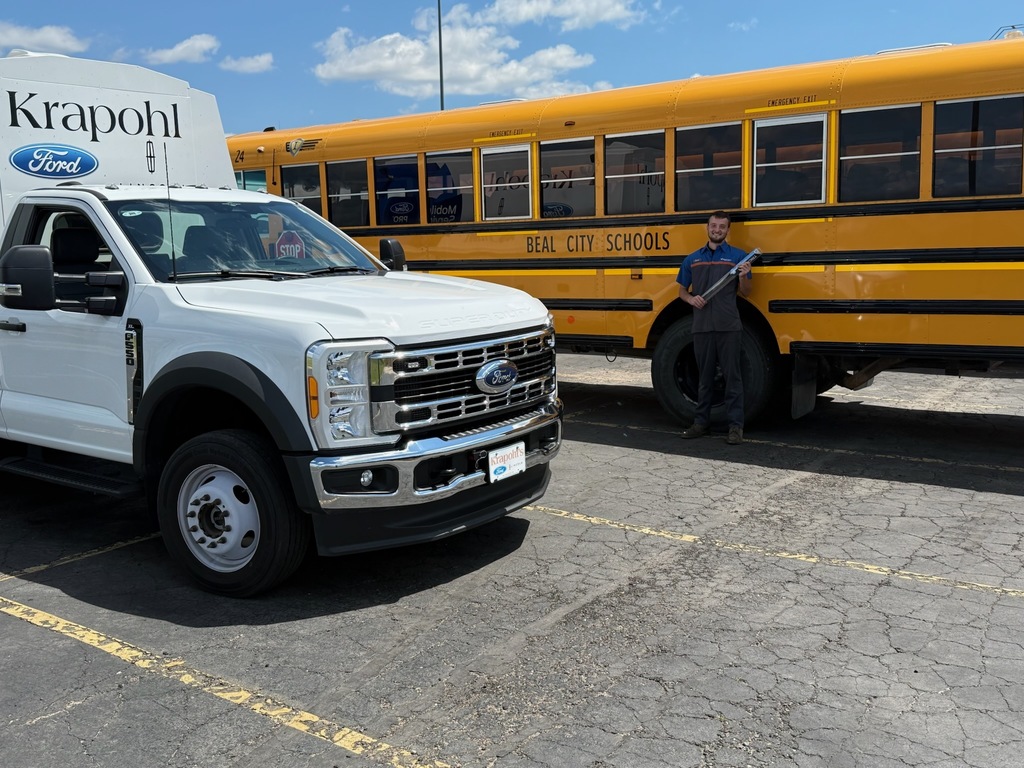
🚌💙 We’d like to extend a heartfelt thanks to Curt Gottschaulk and Kraphol Ford for providing Beal City Schools with all-new windshield wipers for our whole bus fleet! Your support helps keep our students safe on the road in all weather conditions. It’s thoughtful contributions like yours that make a big difference in our district and community.💙🚌
We are truly grateful! 🙌 #ThankYou #CommunitySupport #BealCityPride #SafeTransportation
over 1 year ago, Beal City Public Schools
over 1 year ago, Beal City Public Schools
over 1 year ago, Beal City Public Schools
🚨 Missing alerts from the Aggie App? Most of the time, it's just a quick fix in your phone settings! Here's how to make sure you're getting all the important school updates:
✅ Update Your Phone’s Software – An outdated system might block notifications.
✅ Turn On Notifications for the Aggie App – Make sure alerts are enabled in your phone settings.
✅ Check In-App Settings – Are you subscribed to the right schools and groups? Double-check!
✅ Enable Subscriber Notifications – You’ll only get alerts if notifications are on.
✅ Restart Your Phone – Sometimes a quick restart solves everything.
✅ Reinstall the Aggie App – A fresh install can fix notification glitches.
Stay connected and never miss an important update! 📲
over 1 year ago, Beal City Public Schools
🎬 Bond Project Update Video🎬
https://youtu.be/1_hSgXuPFHA
Thank you again to our community! These additions and improvements are shaping the future of our district. More updates coming soon...
over 1 year ago, Beal City Public Schools
Hello Aggies! We have heard some reports of people not receiving notifications from the Aggie App, and it seems that people have been getting unsubscribed from their notification groups. Please watch the attached video for step-by-step instructions on how to reenable notifications. Thanks Aggies, and enjoy this beautiful day!
https://youtube.com/shorts/AxkqBjF66bMover 1 year ago, Beal City Public Schools
Dr Allan's class came to the kitchen for a tour while Miss Marci explained the difference between a commercial kitchen vs their home kitchen. Their favorite part was the walk-in freezer!
over 1 year ago, Marci Faber
Mrs. Zileski's first-grade class explored the seventh-grade Technical Science class's "STEMonstrations."
#LearnAndGrow #ScienceRocks #FutureInnovators #EduFun #HandsOnScience #BuildingChampions #AggiePride
over 1 year ago, Beal City Public Schools
📢 Attention Parents of Students with Disabilities 📢
The Gratiot-Isabella Parent Advisory Committee is hosting an important presentation on protecting our children online. Please join us on February 5th from 6:00–7:00 PM at Winding Brook Conference Centre in Shepherd. This session will provide valuable insights and guidance for parents.
🔹 Please note: Due to the sensitive nature of the topic, this event is for parents only—no children, please. 📲
over 1 year ago, Beal City Public Schools
Welcome back Parents/Guardians and Students! Be sure to download our app to stay in the know about what's happening at Beal City Public Schools! Let's have a successful Semester!
almost 2 years ago, Beal City Public Schools
Parents/Guardians,
If you need to contact your student during the school day, please call the MS/HS Office at 989-644-3944. Limiting distractions while they are in class will ensure a productive learning environment.
Per the Student Handbook: The use of electronic devices is not allowed without prior approval of either the principal, teacher, advisor, bus driver or coach in charge of the supervision of that activity. Cell phones are not to be used during class time without permission from the teacher.
Cell phones can be highly disruptive in school settings, diverting students' attention away from lessons and instruction. Constant notifications and access to social media, games, and messaging apps lead to distractions, making it difficult to focus.
Thank you for your cooperation!
about 2 years ago, Admin